
Generate images
Start from text or an image reference. Choose an aspect ratio, resolution, and output format from the options your model supports.

AI image & video studio
Turn a prompt or reference into an image or video. Choose your model, fine-tune the details, and save the work you want to keep.
Inside NanoGen
Choose an image or video model, add references when you need them, and review the credit cost before you generate.
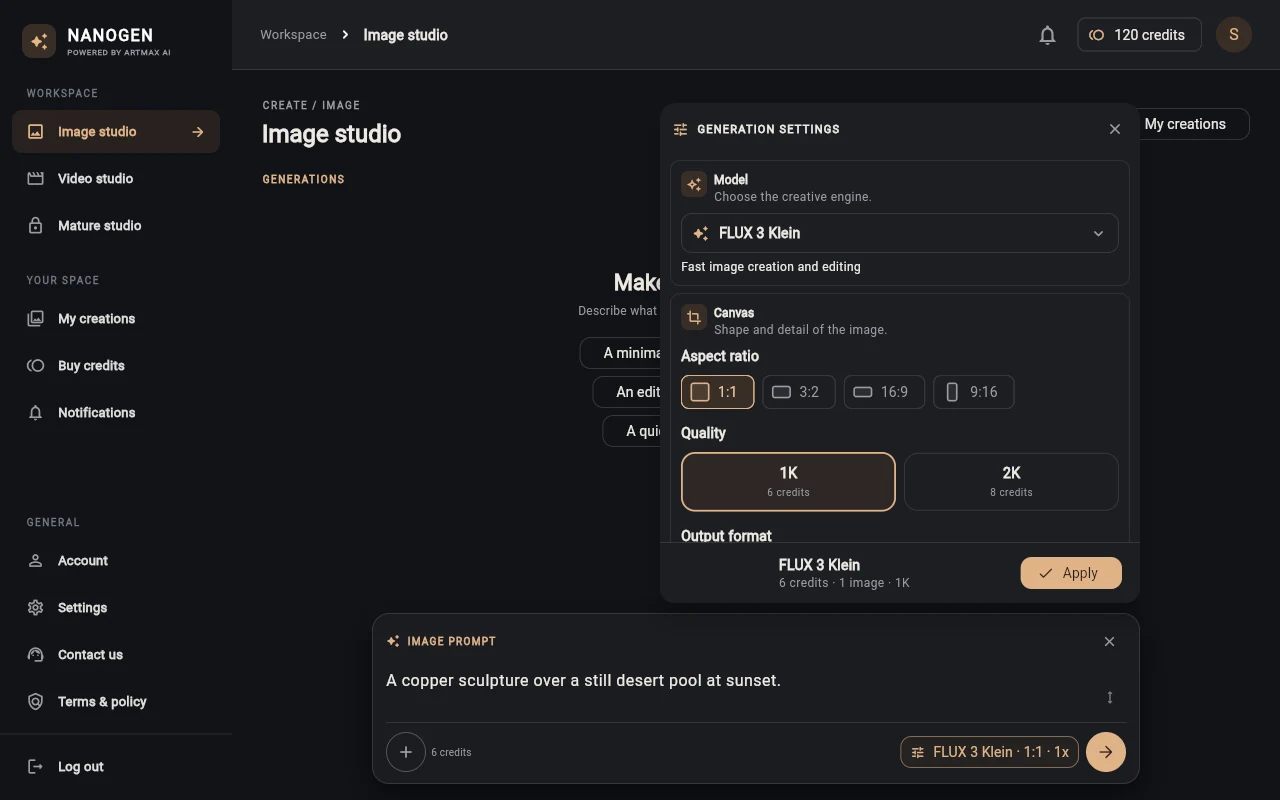
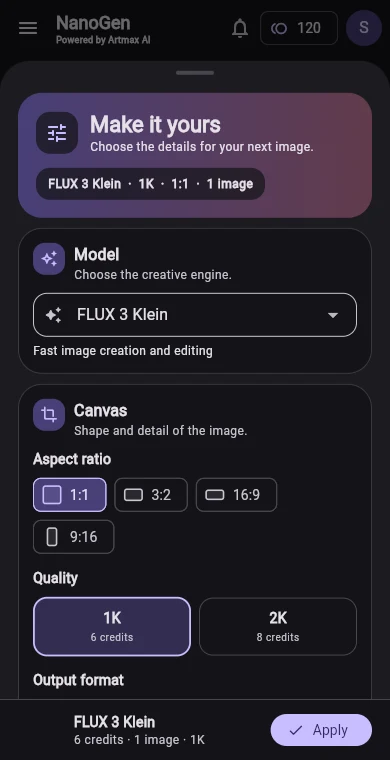
Start from text or an image reference. Choose an aspect ratio, resolution, and output format from the options your model supports.
Describe a scene, use start and end frames, or add reference media with a compatible video model.
Open saved images and videos in My creations. Save copies of results you want to keep on your device.
Downloads
Choose the app for your device. Both apps need an internet connection for sign-in and generation.
Desktop installer for 64-bit Windows PCs.
Download for Windows Windows setup guide Release notesThe mobile studio for images and videos.
Coming to Google Play
Android setup guide